.png)
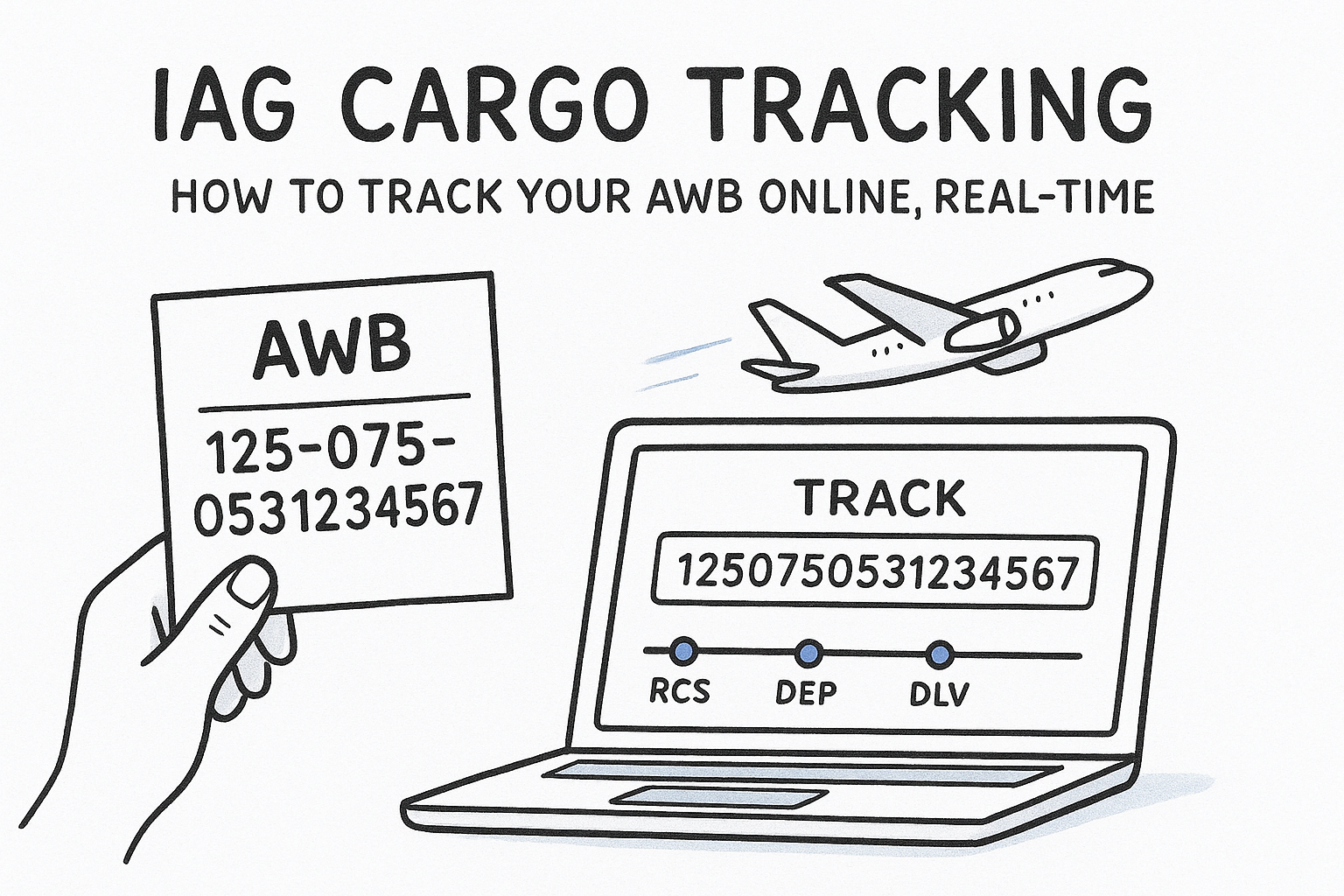
Whether you're moving urgent spare parts or oversized freight, knowing exactly where your shipment is at any given moment matters. IAG Cargo tracking gives you that visibility across British Airways, Iberia, Aer Lingus, and other IAG-operated flights, all through a single Air Waybill (AWB) lookup.
The process is straightforward, but if you've never used the system before, or you're troubleshooting a tracking issue, a few details can trip you up. This guide walks you through how to track your IAG Cargo shipment online, step by step, and covers what each status update actually means in practice.
At CharterSync, we work with freight forwarders and logistics teams who regularly move cargo on scheduled and chartered flights. Real-time shipment visibility is central to what we build, so we've put together this reference to help you get the most out of IAG Cargo's tracking tools and keep your operations running smoothly.
Before you open the IAG Cargo tracking portal, gather a couple of key pieces of information. Having the right details on hand means you can get live shipment status in seconds rather than hunting through emails or paperwork mid-search.
Your Air Waybill (AWB) number is the single identifier you need to run a tracking query. IAG Cargo uses the standard IATA format: an 11-digit number made up of a 3-digit airline prefix followed by an 8-digit serial number. For IAG-operated flights, you'll typically see one of the following prefixes:
The AWB number is issued at the point of booking. If you're a freight forwarder, your booking confirmation email will carry it. If you're a shipper, your freight forwarder will send it to you directly.
You can find your AWB on the house air waybill document, your booking confirmation, or the cargo receipt. Keep the full 11-digit number exactly as it appears, including any leading zeros, since an incomplete number will return no results.
No account or login is required to use the IAG Cargo tracking system for a basic AWB lookup. You just need a browser and a stable internet connection. The portal works across desktop, tablet, and mobile, so you can check iag cargo tracking from wherever you're managing your shipment.
Here's a quick checklist before you start:
Your AWB number is the only thing standing between you and a live shipment update. Before you run an iag cargo tracking query, confirm you have the correct number in the correct format, otherwise the system returns nothing.
Your AWB number appears in several places depending on your role in the shipment. Freight forwarders receive it directly in the booking confirmation from the carrier or handling agent. Shippers typically get it from their forwarder once the cargo is booked. If neither source is available, check the physical cargo receipt or the master air waybill document attached to the shipment file.
If you only have a house AWB (HAWB) from a consolidation shipment, you'll need the master AWB to track through the IAG portal.
IAG Cargo follows the standard IATA AWB format: a 3-digit airline prefix, followed by a hyphen, followed by an 8-digit serial number. Here is what a correctly formatted AWB looks like for each IAG carrier:
| Carrier | Prefix | Example format |
|---|---|---|
| British Airways Cargo | 125 | 125-12345678 |
| Iberia Cargo | 075 | 075-12345678 |
| Aer Lingus Cargo | 053 | 053-12345678 |
Check that no digits are missing and that you're using the full 11-digit string before moving to the next step.
Once you have your AWB number confirmed and formatted correctly, opening the IAG Cargo tracking portal takes less than a minute. The official tracking tool is available directly on the IAG Cargo website, and no account registration is required for a standard lookup.

Go to iagcargo.com and select "Track" from the main navigation menu. This takes you directly to the iag cargo tracking search page, where you enter your AWB and pull live shipment data without logging in or creating a profile.
Bookmark the tracking page directly so you can return to it quickly during active shipments without navigating the full site each time.
Type your full 11-digit AWB number into the search field. The system accepts the number with or without a hyphen, so both 125-12345678 and 12512345678 work. Once entered, click "Track Shipment" to load your results. The portal returns a full status timeline showing each checkpoint your cargo has passed through, from initial acceptance at origin through departure, arrival at destination, and final delivery confirmation. If you manage multiple shipments, you can enter several AWB numbers in one session to review them in sequence.
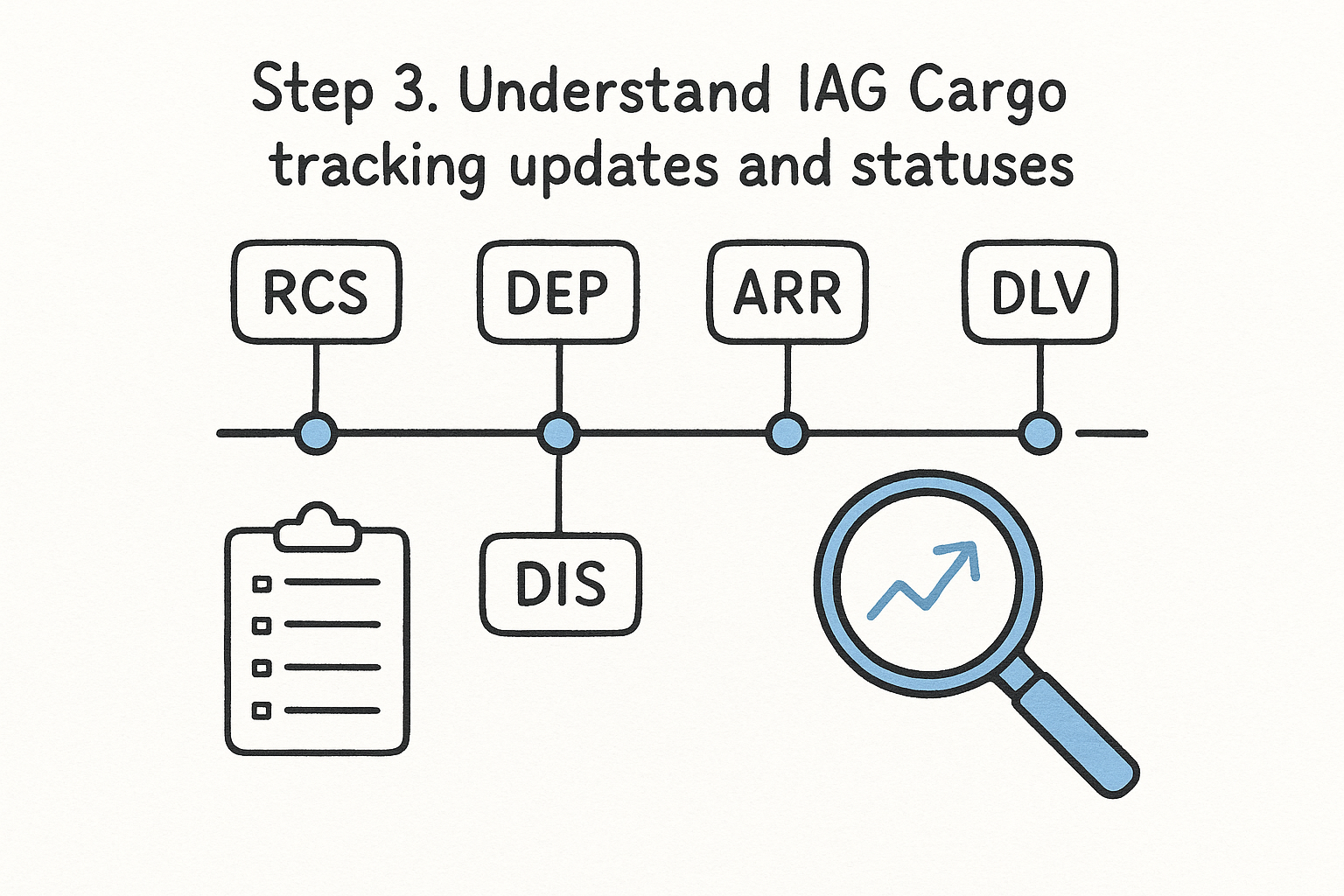
Once your IAG Cargo tracking results load, you'll see a timeline of status codes ordered from oldest to newest. Each code represents a specific checkpoint in the shipment journey, and knowing what they mean helps you act quickly if something needs attention or escalation.
If a status hasn't updated in more than 24 hours on an active route, contact the handling agent directly to confirm the cargo's position.
The IAG Cargo portal uses standard IATA cargo status codes to report each milestone from acceptance through final delivery. Here is a reference for the most common codes you'll encounter during a typical shipment:
| Status code | Meaning |
|---|---|
| RCS | Cargo received and accepted at origin |
| DEP | Departed on a scheduled flight |
| ARR | Arrived at the destination airport |
| NFD | Consignee notified of cargo arrival |
| DLV | Delivered to the consignee |
| DIS | Discrepancy reported at a checkpoint |
Each update is time-stamped and tied to a specific location, so you can trace exactly where your cargo was at each stage. If you see a DIS code appear in the timeline, raise it with your freight forwarder immediately rather than waiting for the next scheduled update to clarify the situation.
Even with the right AWB number, iag cargo tracking doesn't always return the result you expect. Most problems fall into a handful of categories, and each one has a direct fix you can apply straight away.
This almost always points to a data entry error or a timing issue. Check that you've entered the full 11-digit AWB without extra spaces or missing digits. If the number is correct but results still don't appear, the shipment may not have been accepted into the system yet. Acceptance scanning typically happens two to four hours before departure, so querying before that window returns nothing.
If you've confirmed the AWB is correct and the flight has already departed, contact your freight forwarder to verify the booking was confirmed with the carrier.
A stalled status on an active shipment usually means a scan was missed at a transit point, not that the cargo is lost. Cross-reference the flight schedule against the last recorded status to see if the timeline still makes sense. If the cargo was due to connect through a hub and the ARR status hasn't appeared within six hours of the scheduled arrival, escalate directly to your handling agent rather than waiting for the portal to self-correct.
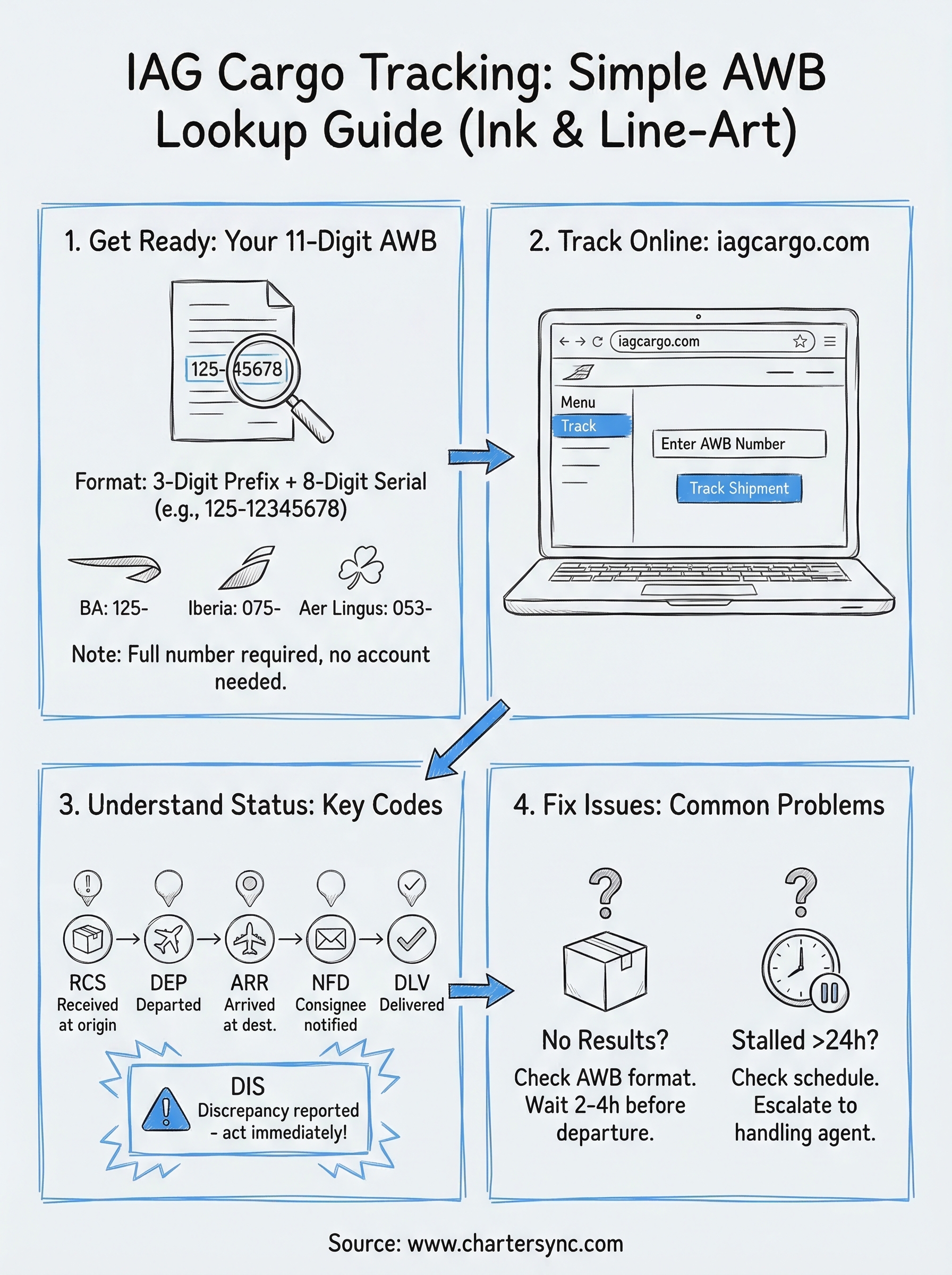
IAG Cargo tracking comes down to three things: having the correct 11-digit AWB number, entering it into the official portal at iagcargo.com, and knowing what each status code means when the results load. Follow the steps in this guide and you'll get a live shipment update in under a minute, whether you're tracking British Airways Cargo, Iberia Cargo, or Aer Lingus Cargo. If you hit a tracking issue, the fix is almost always a formatting error, a scan delay, or a mismatched AWB type.
For shipments that go beyond what scheduled cargo services can handle, a cargo charter is the next step. CharterSync connects freight forwarders and logistics teams with a global network of aircraft, providing confirmed availability and technical loadability analysis in minutes rather than hours. Whether you're moving time-critical freight or oversized cargo, the platform replaces slow broker back-and-forth with a fast, data-backed digital process from inquiry through to delivery.

.png)