.png)
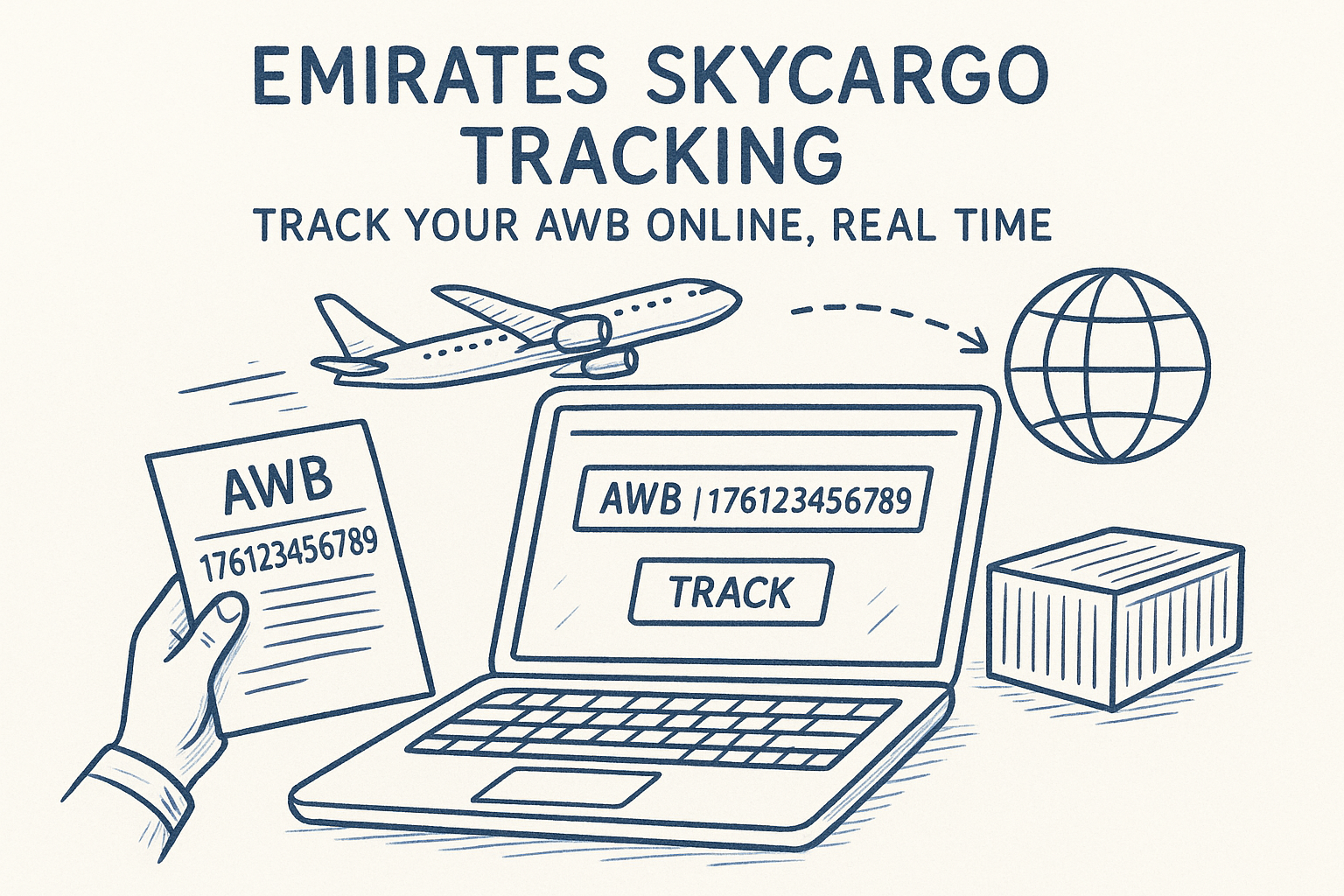
Whether you're moving automotive parts, pharmaceuticals, or urgent project cargo, knowing exactly where your shipment is matters. Emirates SkyCargo tracking gives freight forwarders and logistics teams a straightforward way to monitor consignments across Emirates' global network, using nothing more than an Air Waybill (AWB) number.
This guide walks you through the entire process: how to track your Emirates SkyCargo shipment online, what each status update means, and what to do when things don't go to plan. We'll also cover common issues that trip people up and how to resolve them quickly.
At CharterSync, we work with logistics professionals who regularly ship cargo on scheduled and chartered flights alike. Our platform provides real-time tracking and centralized shipment management across operations, but we also know that most forwarders juggle multiple carriers daily. That's exactly why we put this resource together: to give you a clear, practical reference for tracking Emirates SkyCargo shipments without the runaround.
Before you start Emirates SkyCargo tracking, gather a few key items. Having these ready saves time and avoids frustration mid-search, especially when you're chasing a time-sensitive shipment.
The AWB number is the single most important piece of information you need. Emirates SkyCargo uses 11-digit AWB numbers that follow a standard format: the first three digits are the airline prefix (176 for Emirates SkyCargo), followed by eight digits. You'll find this number on:
Always double-check the AWB number digit by digit before entering it. A single transposed number will return no results or pull up the wrong shipment entirely.
Your AWB number alone is usually enough to pull up tracking information, but having supporting shipment details on hand helps you make sense of the updates you see. Keep the following within reach:
This context lets you cross-reference what the tracking system shows against what was originally booked. If the status displays a flight number or routing that does not match your booking, you will catch it immediately rather than chasing the wrong lead.
Emirates SkyCargo's tracking portal works across all modern browsers, but you need a stable connection to load live shipment data without errors. If pages fail to load or results time out, switch networks before assuming there is a problem with the tracking system itself. For the best experience, use one of the following:
Avoid tracking on a VPN that routes traffic through restricted regions, as this can block access to the portal.
Your AWB number is the foundation of any Emirates SkyCargo tracking search. Before you open the portal, locate this number and verify it is correct. An error in even one digit will return no results or surface data for the wrong shipment entirely.
Your AWB number appears across several documents issued during the shipping process. Check the following sources in order:
Emirates SkyCargo uses the airline prefix 176, followed by eight digits, giving you an 11-digit number in total. A correctly formatted AWB looks like this:
176-12345678
Always read the number digit by digit before entering it into the tracking portal. A single transposition is the most common reason tracking searches return no results.
Make sure you are using the master AWB (MAWB), not a house AWB issued by your forwarder. Only the MAWB will return results directly in the Emirates system.
With your AWB number confirmed, you're ready to run the search. The Emirates SkyCargo tracking portal is publicly accessible and returns live shipment data within seconds, without requiring an account or login.
Head directly to the Emirates SkyCargo website and navigate to the cargo tracking section. Follow these steps to get there quickly:

Bookmark the tracking page directly to avoid landing on the general Emirates passenger site by mistake, which will not show cargo results.
Type your 11-digit AWB number into the search field using the format 176-12345678. Do not include spaces or extra characters, as these will cause the search to fail. Once entered, click Search to retrieve your results.
Your results load on the same page and display the current status, associated flight details, and a full movement history showing each checkpoint your cargo has passed through since it was accepted at the origin facility.
Emirates SkyCargo tracking results show more than a single status. You receive a movement history that logs every checkpoint your cargo passes through, from acceptance at the origin facility to delivery at the destination. Reading these updates correctly prevents unnecessary calls to your agent.
Each update in the tracking results carries a standardised status label. Knowing what each one means lets you identify delays before they escalate.
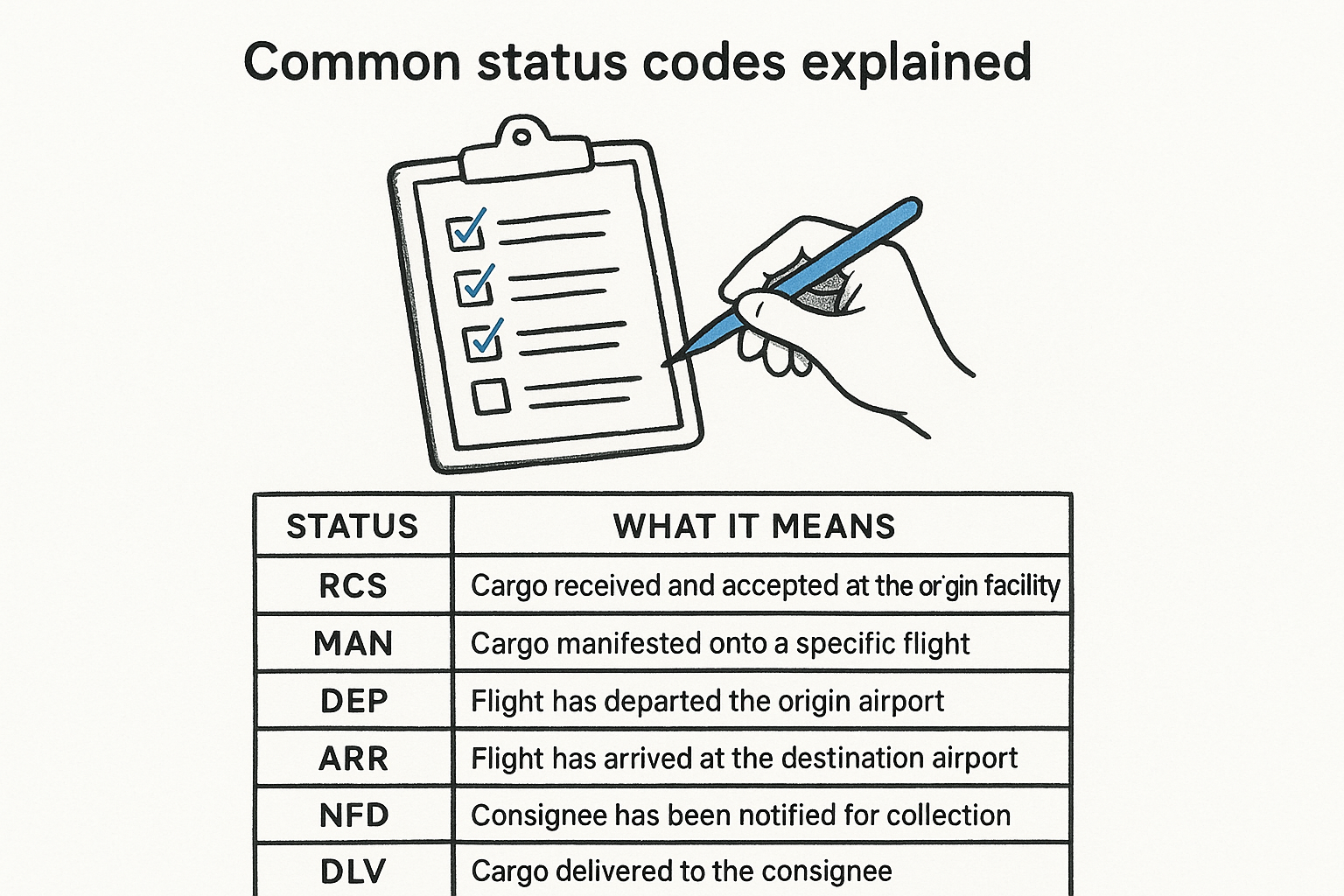
| Status | What it means |
|---|---|
| RCS | Cargo received and accepted at the origin facility |
| MAN | Cargo manifested onto a specific flight |
| DEP | Flight has departed the origin airport |
| ARR | Flight has arrived at the destination airport |
| NFD | Consignee has been notified for collection |
| DLV | Cargo delivered to the consignee |
If your shipment shows ARR but not NFD after several hours, contact the destination handling agent directly, as notification delays are typically local rather than a carrier issue.
Scan the timestamp sequence in the movement history and check that each status follows a logical order. If you notice a repeated ARR entry for the same station, your cargo may have been offloaded and reloaded onto a later flight, which signals a potential delay worth investigating.
Even when you follow the correct process, Emirates SkyCargo tracking can occasionally return errors or unexpected results. Most problems have a clear, specific fix that takes under two minutes to apply.
This is the most common issue and almost always comes down to a formatting error in the AWB number. Before assuming a system fault, run through this checklist:
Cargo typically becomes visible within two to four hours of acceptance at the origin facility. If the correct AWB returns no results before that window, wait and search again.
A static tracking status before the scheduled departure is completely normal. The system reflects physical milestones rather than a fixed time schedule, so gaps between updates are expected during transit.
If the status has not changed for more than 12 hours after the expected departure, check the flight number shown in your tracking results against the original booking confirmation. A mismatch means your cargo may have transferred to an alternative service and the update is still pending in the system.
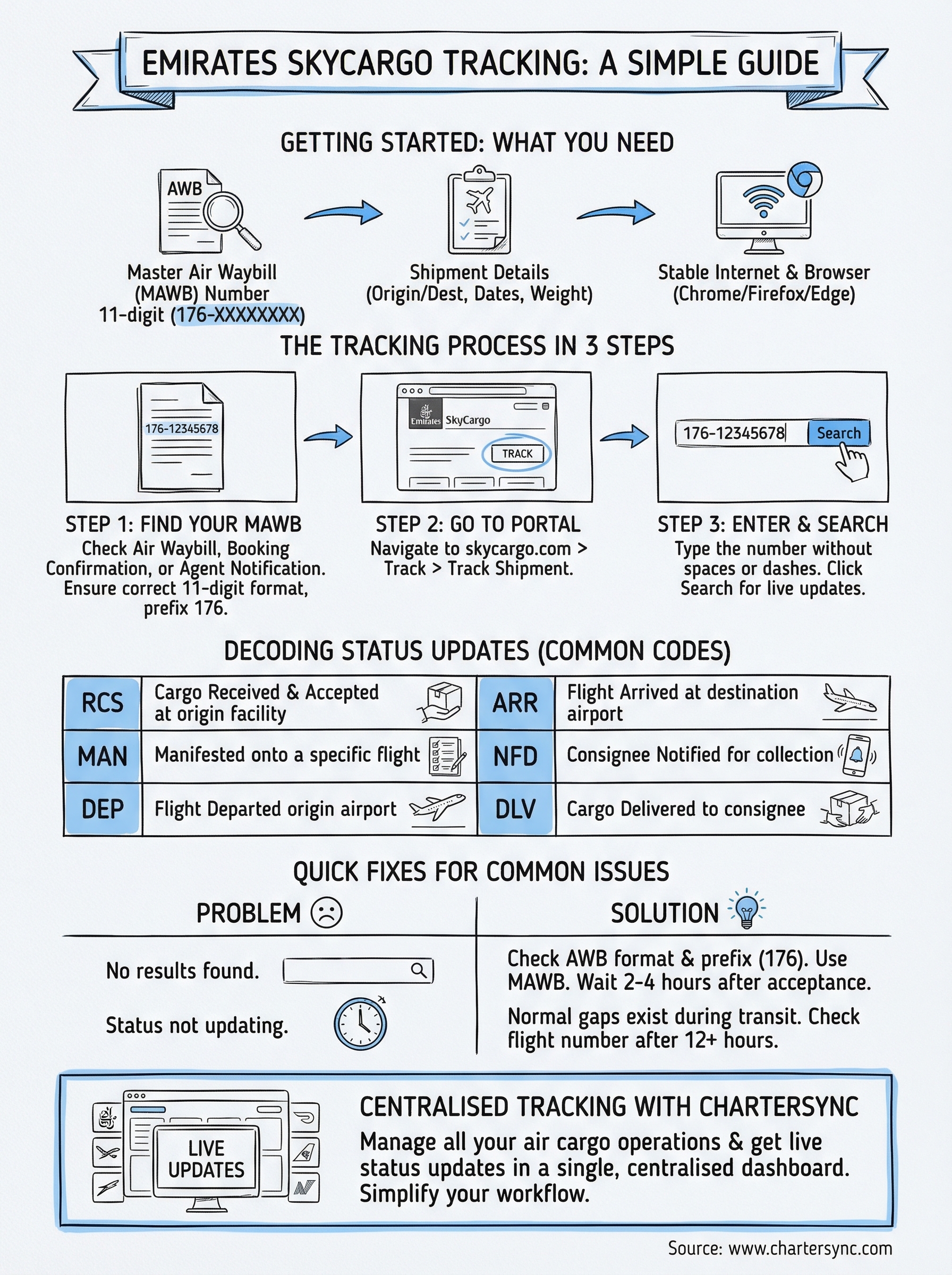
You now have everything you need to run a successful emirates skycargo tracking search, interpret each status update, and fix the most common issues without waiting on hold. The entire process relies on three things: a correctly formatted master AWB number, the right portal, and a clear understanding of what each status label means.
If you regularly ship cargo across multiple carriers, managing tracking across separate portals becomes a genuine time drain. CharterSync centralises shipment tracking and documentation in a single dashboard, giving you live status updates for every air cargo operation without switching between systems. Whether you're coordinating a standard consignment or arranging a full charter, your team stays informed from the initial booking confirmation through to final delivery.
For a faster, more reliable way to manage air cargo operations end to end, explore CharterSync and see what the platform can handle for your team.

.png)